Process Attendance
Open Leave Administration > Process Attendance. This workflow previews policy violations for a past or current date before applying any decisions.
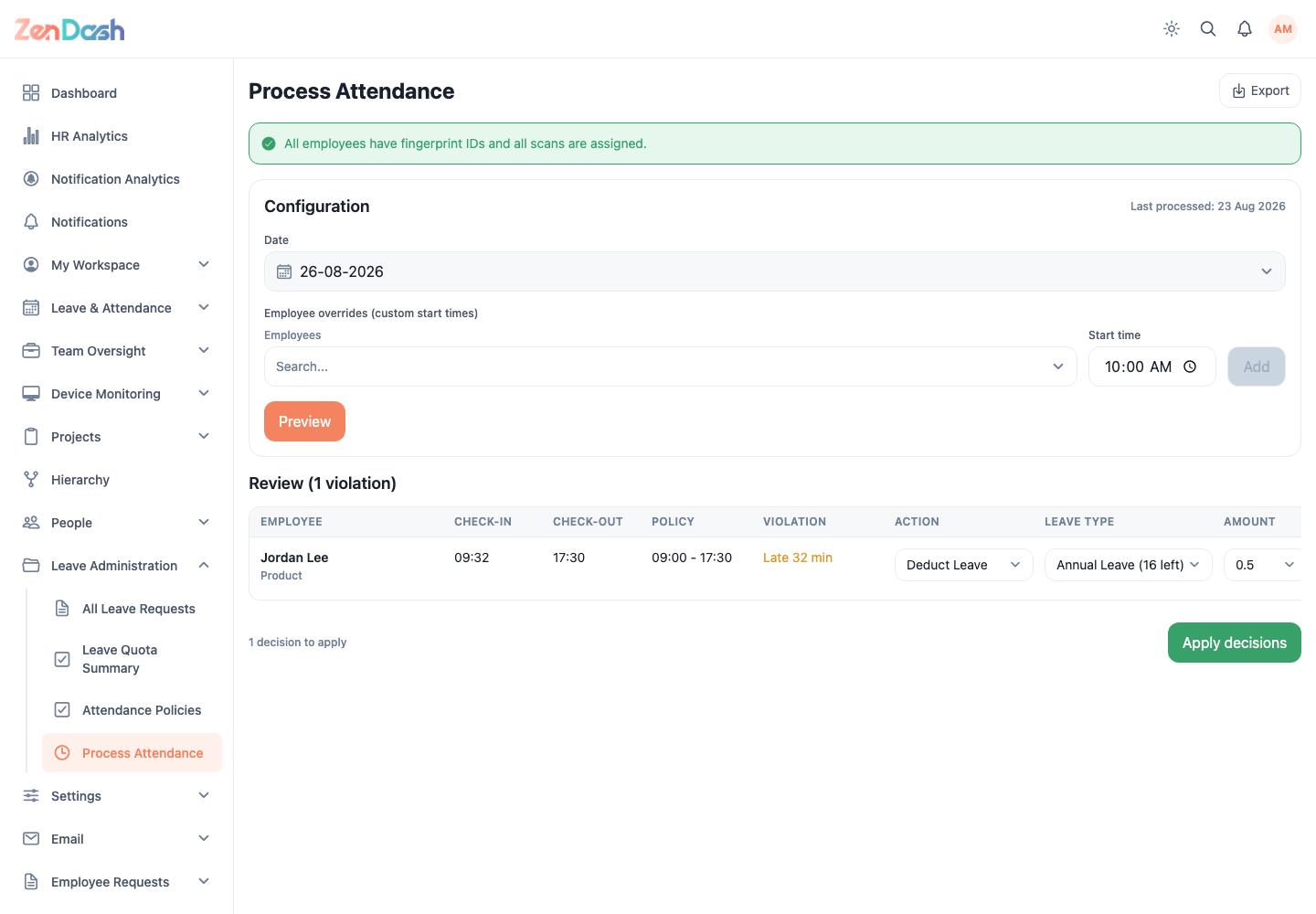
Review a date
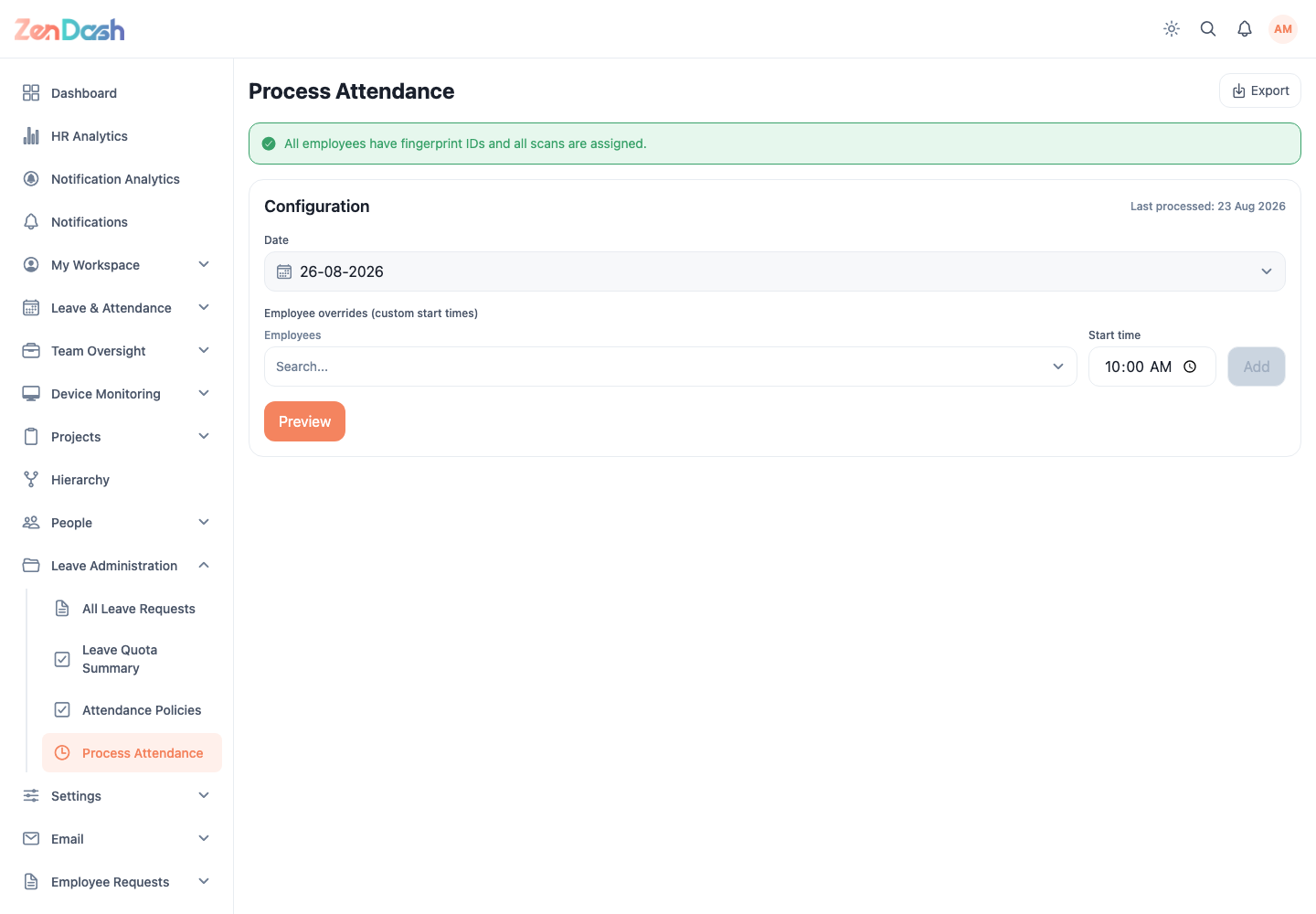
- Choose Date in Configuration.
- Add employee start-time overrides only when required.
- Select Preview.
- Review each violation and pending leave notice.
- Choose the appropriate decision for every applicable row.
- Select Apply decisions.
The screen can flag employees without fingerprint data, scans ready to sync, and manual check-ins. An authorized user can add a missing fingerprint entry or process a related pending leave from the review row.
Applied decisions summarize leave deductions, no-pay entries, and excused records. Use Revert with an optional reason when a previously applied decision must be undone.
Use Export to download the permitted attendance output.
warning
Preview is not a save. Carefully review the employee, date, proposed deduction, and pending leave information before selecting Apply decisions.